
Reference
How it works
What DLSS 5 does to a picture, what it needs from the app, and what the extra passes are for.
On this page
DLSS 5 Neural Rendering
DLSS 5 Neural Rendering is NVIDIA's neural renderer. A network looks at a finished picture and renders its light, materials and fine detail again. Games give it every frame they draw. This app gives it the VRChat camera, a photo, or the frames of a video.
- Your picturea frame of the camera, a photo or a video
- DLAA or super resolutiononly when you turn it onoptionaltakespicturemotion vectorsdepth
- DLSS 5 neural passre-renders the light and detailtakespicturemotion vectors
- Compositeoutput blend, strengths above 1
- Your filePNG, MP4, GIF, APNG, WebP
What DLSS 5 takes
DLSS 5 takes two things from the app:
- The picture.
- Motion vectors: for every pixel, how far it moved since the previous frame. They keep the result steady from one frame to the next. VRChat sends none, so the app works them out by comparing two frames in a row. A still picture has no motion.
DLSS 5 does not read depth. NVIDIA says so, and the app's own tests agree: flat, gradient and zero depth give exactly the same output.
Where the motion comes from
Frame guidance → Motion vectors (shows while Advanced is on):
| Choice | What it is |
|---|---|
| NVIDIA Optical Flow (hardware, recommended) | A part of GeForce RTX cards built for this job. Fast and precise. The GeForce edition starts with it. |
| FSR optical flow (compute, any card) | The app's own optical flow. Runs on any card. The Radeon edition starts with it, and the GeForce edition falls back to it. |
| GPU block matching (built-in) | A simple search. Fast, less precise with fast motion. |
| None (zero) | No motion at all. |
Depth: only for DLAA, super resolution and the depth view
Three parts of the app do use a depth map: the DLAA pre-pass, DLSS super resolution, and the Depth view under Display → Compare. VRChat's stream carries no depth, so the app estimates it on your card with a small network, Depth Anything V2.
That network loads only while one of the three is on. With DLSS 5 alone, it never loads, and the card has less to do.
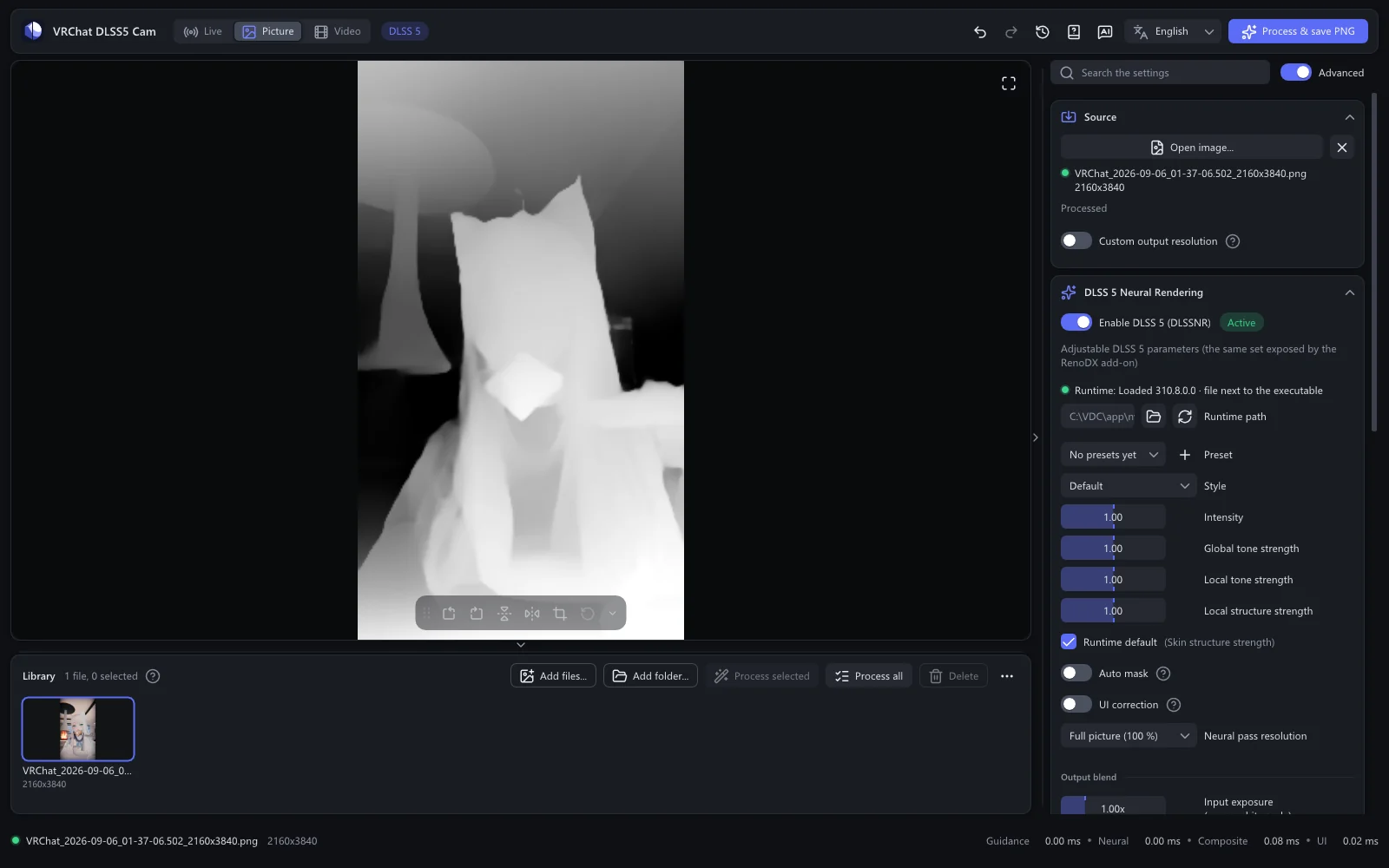
The extra passes
- DLAA pre-pass: NVIDIA's anti-aliasing, run before DLSS 5. It smooths jagged edges and costs some speed. Off at first, GeForce only.
- DLSS super resolution: for a result larger than the source. Turn on Source → Custom output resolution and choose Upscaling: DLSS super resolution. NVIDIA's upscaler rebuilds the detail at the larger size, then DLSS 5 works on the large picture. Expect it to be much slower and to use more video memory.
- Composite: after DLSS 5, the app mixes the result with the original. The Output blend sliders, and strengths above 1, act here, so moving them shows at once.
Still pictures
A photo has no previous frame. The app runs it through DLSS 5 several times until the network settles, then shows and saves the settled result. That is why a picture takes a moment longer than a single video frame.
Two editions
- The GeForce edition carries the DLSS 5 runtime itself, in one build for RTX 50 and one for RTX 40, 30 and 20. The app picks the build for your card and tries the other one if it fails.
- The Radeon edition runs DLSS 5 through DLSS-NR-on-AMD, a separate project that the app downloads and installs on request. Radeon
Processing stays on your computer
All of this runs on your own graphics card. Pictures and videos are never uploaded. Privacy and licences